Media Viewer

Media Viewer is a self-hosted web application for browsing, organizing, and viewing your personal media collection. It provides a responsive gallery interface that works seamlessly across desktop and mobile devices, with support for images, videos, and playlists.
Demo
Desktop Interface
Gallery browsing, lightbox viewer, and favorites on desktop
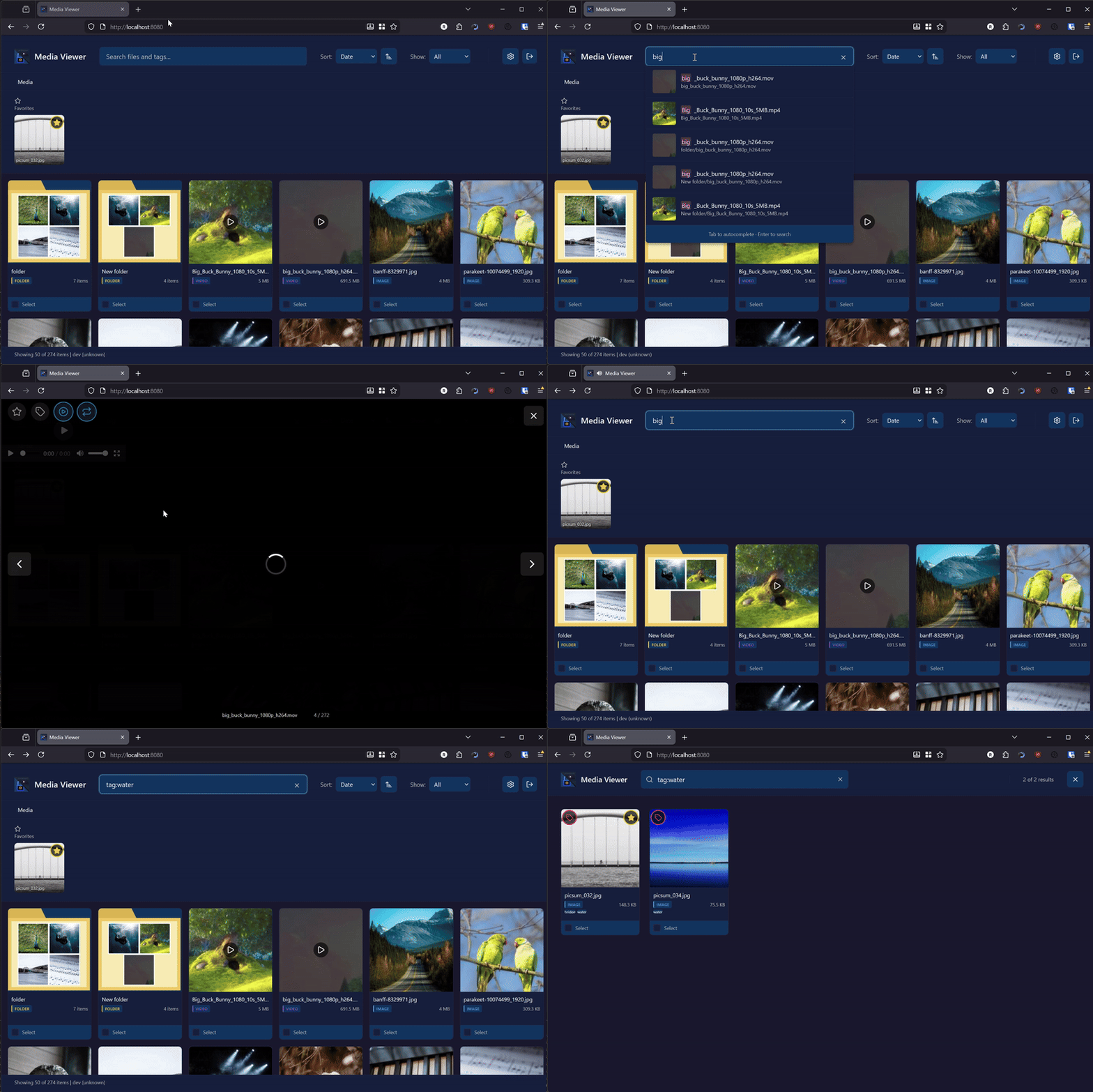
Full-text search with tag filtering
Mobile Experience
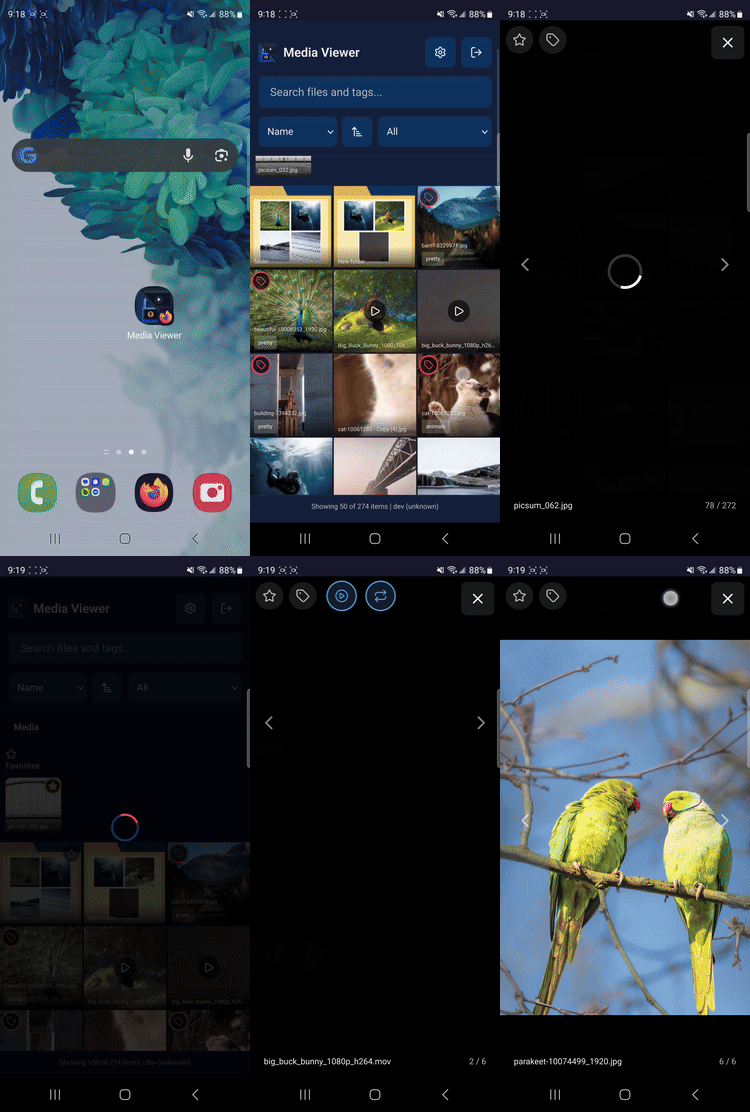
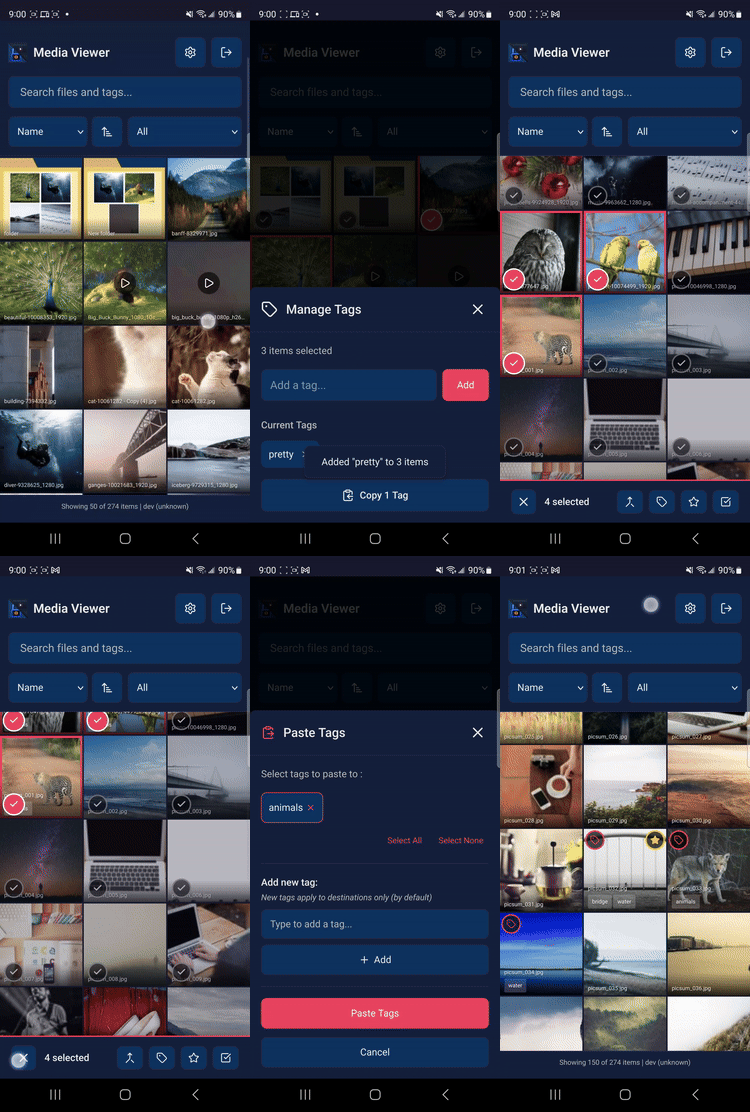
Responsive mobile interface with selection mode and bulk tagging
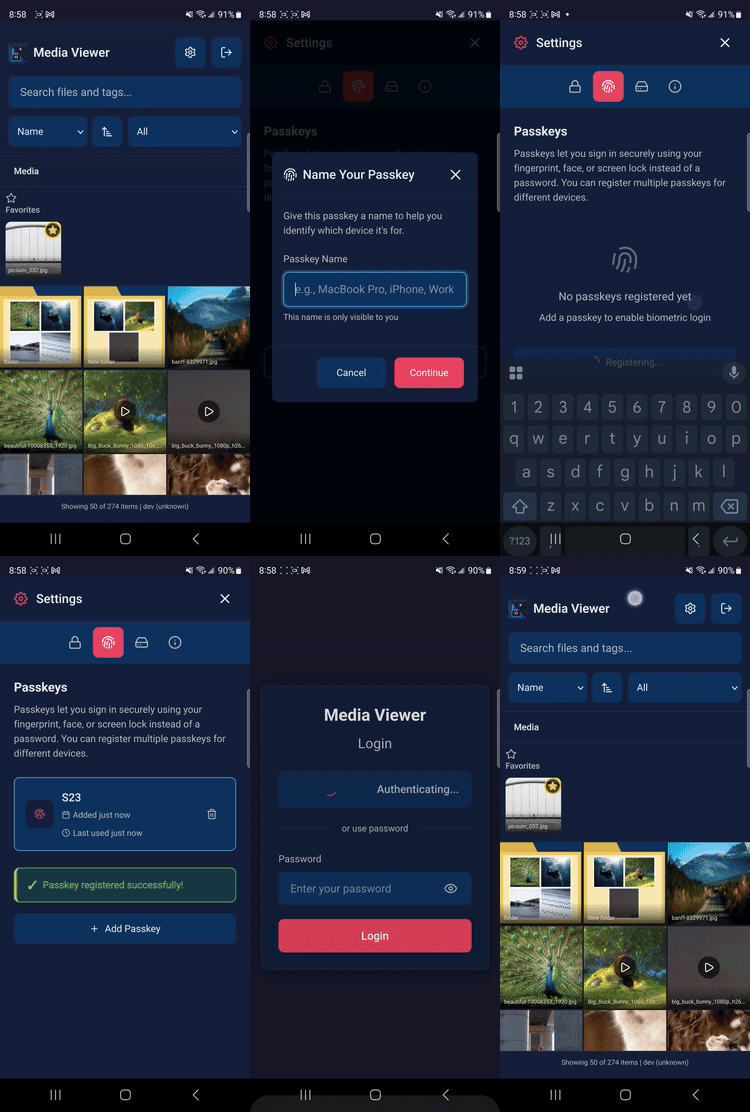
Biometric authentication with passkeys
Key Features
- Gallery Browsing: Navigate your media library with an intuitive grid-based interface
- Infinite Scroll: Seamlessly browse large libraries with automatic pagination
- Tagging System: Organize media with custom tags for easy categorization and retrieval
- Favorites: Mark frequently accessed items for quick access
- Search: Full-text fuzzy search by name, tag, or file type with suggestions
- Playlists: Play Windows Media Player (.wpl) playlist files
- Progressive Web App: Install on mobile devices for a native app experience
- Responsive Design: Optimized for desktop, tablet, and mobile viewing
- Video Transcoding: Automatic transcoding for browser compatibility
- Thumbnail Generation: Fast thumbnail generation with incremental updates
Quick Links
For Users
- Installation Guide - Get Media Viewer running on your server
- Quick Start - Learn the basics in five minutes
- User Guide - Comprehensive usage documentation
- Keyboard Shortcuts - Speed up your workflow
For Administrators
- Admin Guide - Server administration and monitoring
- Metrics & Monitoring - Prometheus metrics and performance tuning
- Security - Authentication and security best practices
For Developers
- Architecture - System design and technical overview
- Testing Guide - Writing and running tests
- Contributing - How to contribute to the project
System Requirements
Production (Docker - Recommended)
- Docker and Docker Compose
- Modern web browser (Chrome 90+, Firefox 88+, Safari 14+, Edge 90+)
- Sufficient storage for media files and thumbnail cache
Production (From Source)
- Go 1.21 or later
- FFmpeg (for video transcoding and thumbnail generation)
- GCC (for SQLite CGO compilation)
- Modern web browser (Chrome 90+, Firefox 88+, Safari 14+, Edge 90+)
- Sufficient storage for media files and thumbnail cache
Development
- All production requirements (from source)
- Node.js 18+ (for frontend tooling: linting, formatting, live reload)
- Make (optional, for build automation)
Note: Node.js is only required for development. The frontend is static HTML/CSS/JavaScript and does not require a Node.js runtime in production.
Support
For bug reports and feature requests, visit the GitHub Issues page.